As 2015 comes to a close, I'm excited to review some of my most popular educational technology posts with you! How to Add Backgrounds in Google Docs: A Workaround Most people can appreciate how awesome the world of Google Drive actually is. However, the main complaint that I get about especially Google Docs, is that it is, well, just blah. After reading this great post from the Google ... Read More about Educational Technology in 2015: My Most Popular Posts
Search Results for: google
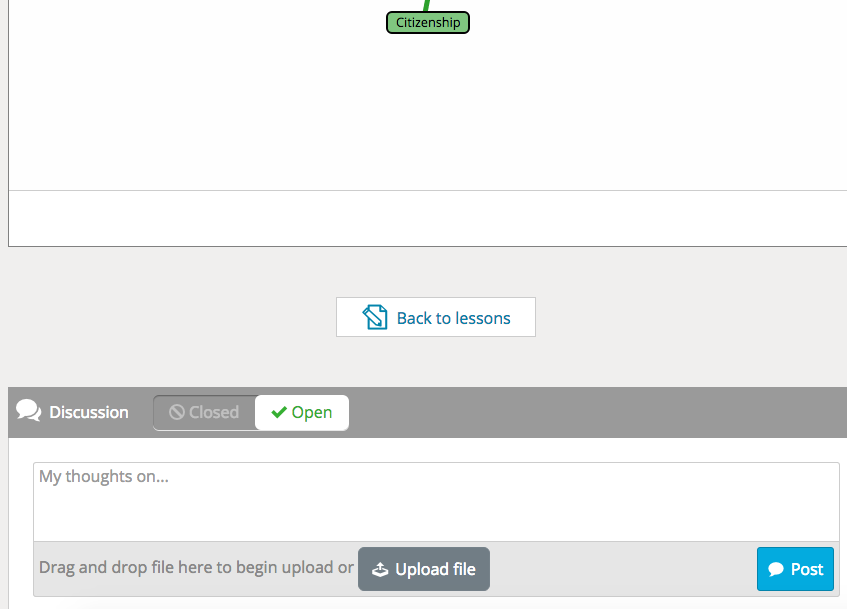
Stile: A Great Interactive Lesson Tool
About a month ago, I was contacted by Stile, an EdTech company out of Australia. They presented their super cool lesson builder, and asked if I would give it a try. I did. My thoughts? Holy moly. This tool is AH-MAZING! Stile allows teachers to build interactive lessons with a simple drag-and-drop feature. Are you a flipped teacher? Easily add a video from YouTube, Vimeo, or your ... Read More about Stile: A Great Interactive Lesson Tool
A “Techy” Teacher’s Toolbox: Chrome Extensions
Google Chrome is awesome. Surely, the vast majority of the world knows this fact. It's user-friendly and super fast. It travels well...meaning of course that your extensions, favorites, etc travel with you, even if you're not working at your computer!! Many websites that teachers frequently use run best using Google Chrome. It's just wonderful. I recently conducted a professional ... Read More about A “Techy” Teacher’s Toolbox: Chrome Extensions

Using Nearpod in the Classroom
Whoa! It's been a while since my last post...end of the semester craziness has commenced! I first learned about Nearpod about a year ago, when I began my journey as a flipped classroom teacher, and immediately brushed it aside as a tool that I would have used in a more traditional classroom setting. This year, however, my schedule is basically split between flipped instruction in my ... Read More about Using Nearpod in the Classroom
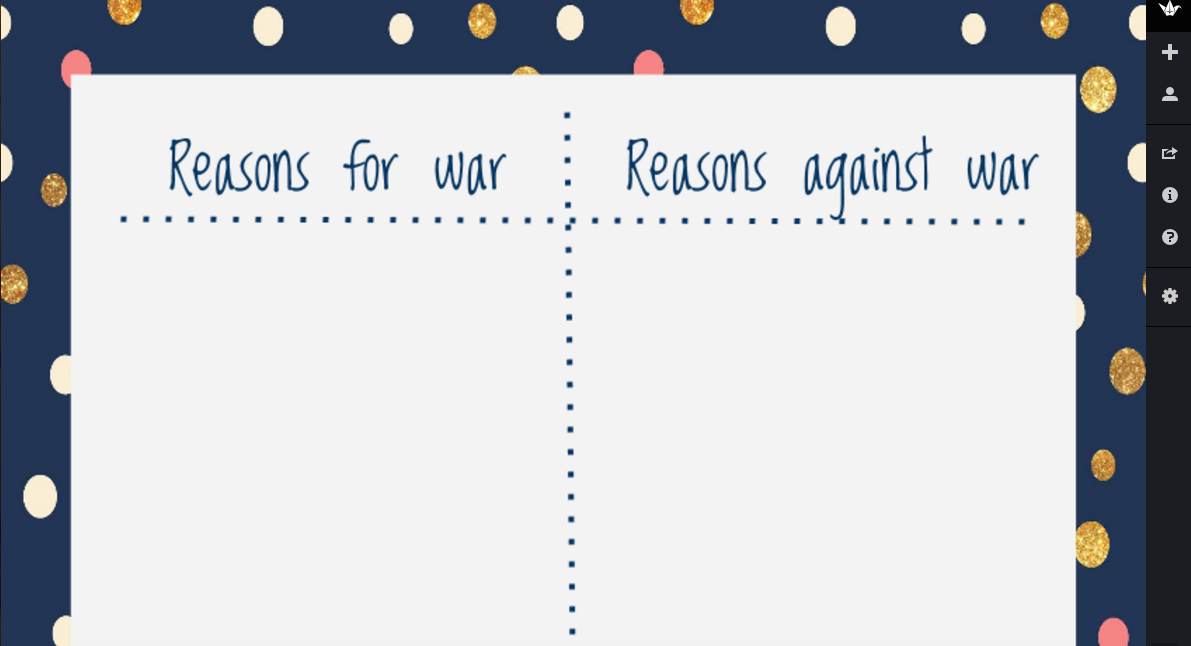
Use Padlet to create a Pro/Con Chart
Padlet is an amazing tool for classrooms. This interactive "cork board" has opened so many opportunities in my classroom, and has drastically changed many of my activities...for the better :) ... Read More about Use Padlet to create a Pro/Con Chart